1. Click “Sign Up” and complete the form on this page
2. You will receive an email to access the course on NACLE
3. Sign in or create your NACLE account
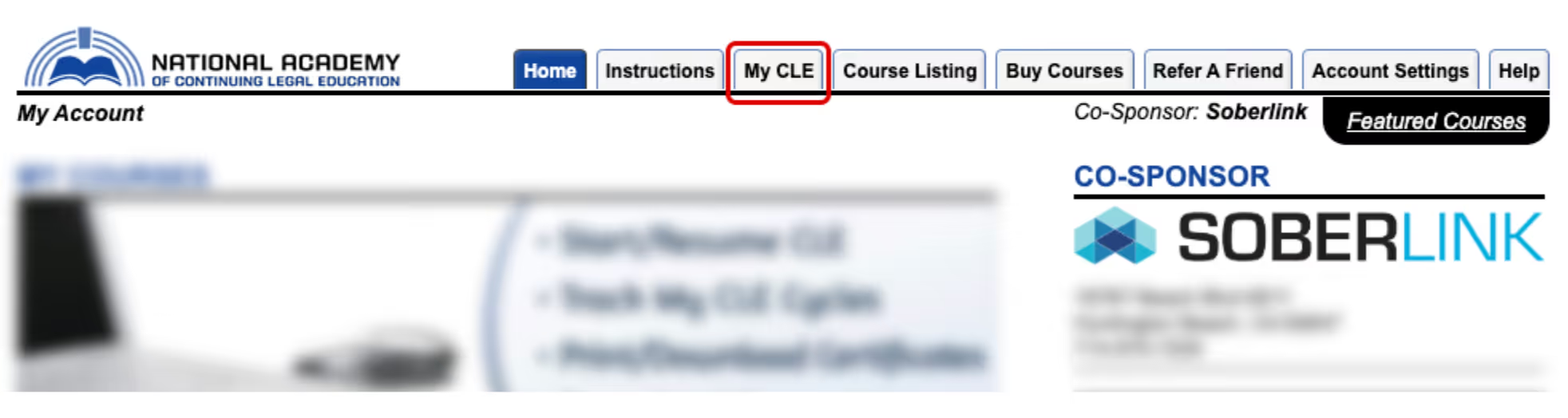
4. Select “My CLE” in the top menu bar
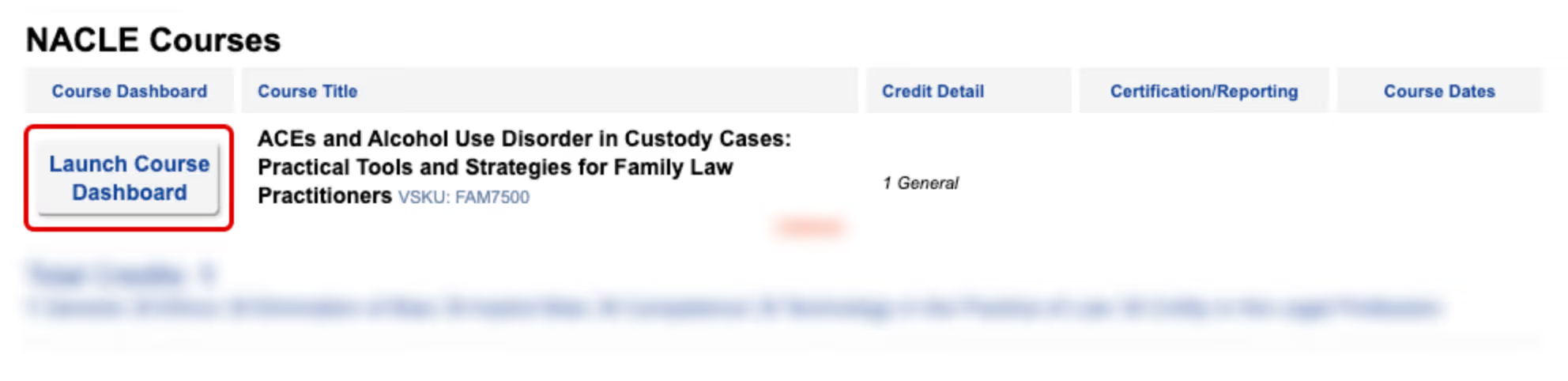
5. Click “Launch Course Dashboard” next to ACEs and Alcohol Use Disorder course
The National Academy of Continuing Legal Education (NACLE) will automatically generate your certificate and track your CLE progress. In many states where providers report attendance directly, NACLE will submit your completion on your behalf once you finish the course and complete the affidavit. In other states, the platform will give you the appropriate forms or pre-filled information to help you submit your CLE credits to the bar or regulatory authority where you’re licensed. By accessing this course, you will be added to receive email information form Soberlink.
